

Google AI Mode Now Books Home Service Jobs: What Contractors Need to Do (November 2026)

Prices and facts checked November 20, 2026. We don't accept payment for rankings.

On this page
What happened: on November 4, 2026, Google added direct booking and quote links for home services to AI Mode, the AI chat-style search inside Google Search. Robby Stein, Google's VP of Product for Search, announced it on X, naming Angi, Thumbtack, Housecall Pro and Jobber as partners, with ServiceTitan listed as coming soon (Search Engine Journal, Homepros).
Why it matters: a homeowner can now ask AI Mode for "a plumber who can come tomorrow", see a short list of local businesses, and request the job without leaving Google. Which list you land on, and what it costs you, depends on the software you already use. Here's what each partner has published, and what to do this week.
The short version
| If you use… | Status (as of Nov 20, 2026) | What you need to do | Lead fee |
|---|---|---|---|
| Jobber | Live for eligible US customers | Paid plan, full address, connected Google Business Profile, toggle on | None, per Jobber |
| Housecall Pro | Its own pages disagree: "live" vs "coming soon" | Nothing; Housecall Pro says every Pro is auto-enrolled | None, per Housecall Pro |
| Angi | Live; homeowners go to your Angi profile to request a quote | Keep your Angi profile current | Angi hasn't said; its usual terms may apply |
| Thumbtack | Named by Google; no Thumbtack announcement found | Nothing published yet | Not published |
| ServiceTitan | "Coming soon"; no date given | Wait | Not published |
Sources: Jobber help, Jobber press release, Housecall Pro partner page, Housecall Pro announcement, Angi press release, Search Engine Journal.
What the homeowner sees
Stein's example was a search for a handyman. AI Mode showed four businesses, each with a photo, a review summary and buttons to call, book, get a quote or visit the website (Homepros).
Where the button goes depends on the partner:
- Jobber: a Book Online button on your Google Business Profile that opens your Jobber request or booking form (Jobber help).
- Housecall Pro: a quote request that lands in your Housecall Pro Job Inbox, with an automatic reply sent to the homeowner (Housecall Pro).
- Angi: your Angi profile, where the homeowner can learn more and request a quote (Angi).
Google's own help pages say AI Mode's local features are available in English to signed-in users over 18, on mobile and desktop (Google Search Help). All the partner announcements describe the home-services links as US only.
Jobber: live, with a short setup checklist
Jobber's help article, updated November 4, says the integration is "available at no extra cost" to US businesses with an active, paid Jobber subscription. To appear, you need all of these (Jobber help):
- A paid plan. Jobber says trial accounts can't appear in AI Mode.
- "Help clients find my business" switched on, under Settings → Company Settings → Company details.
- A complete business address in Company Settings that matches your Google Business Profile. If the address doesn't match Google Maps exactly, your phone number and website must match instead. You can still hide the address from customers with "Keep address private".
- Your Google Business Profile connected to Jobber, under Marketing → More → Google Profile → Connect Account.
- A request or booking form connected to Google. Your default request form is connected automatically. Jobber suggests a booking form if you want homeowners to pick a time directly.
Google then adds the Book Online button to your profile, "usually within a few days", according to Jobber.
Approval: if "Require assessment booking approval" is on, AI Mode bookings arrive as Needs approval and you accept or decline. If it's off, bookings are confirmed automatically. Check that setting before you switch this on.
Turning it off: switch off "Help clients find my business", or remove the Google connection from the individual form.
Fees: "There are no lead fees for requests that come through Google AI Mode," per Jobber.
Housecall Pro: auto-enrolled, but check the status
Housecall Pro's partner page says every Pro is auto-enrolled, with "Nothing to turn on" and no fees. Its FAQ says you don't need a Google Business Profile to appear. Housecall Pro says homeowners are matched on real-time availability, service area and reviews (Housecall Pro).
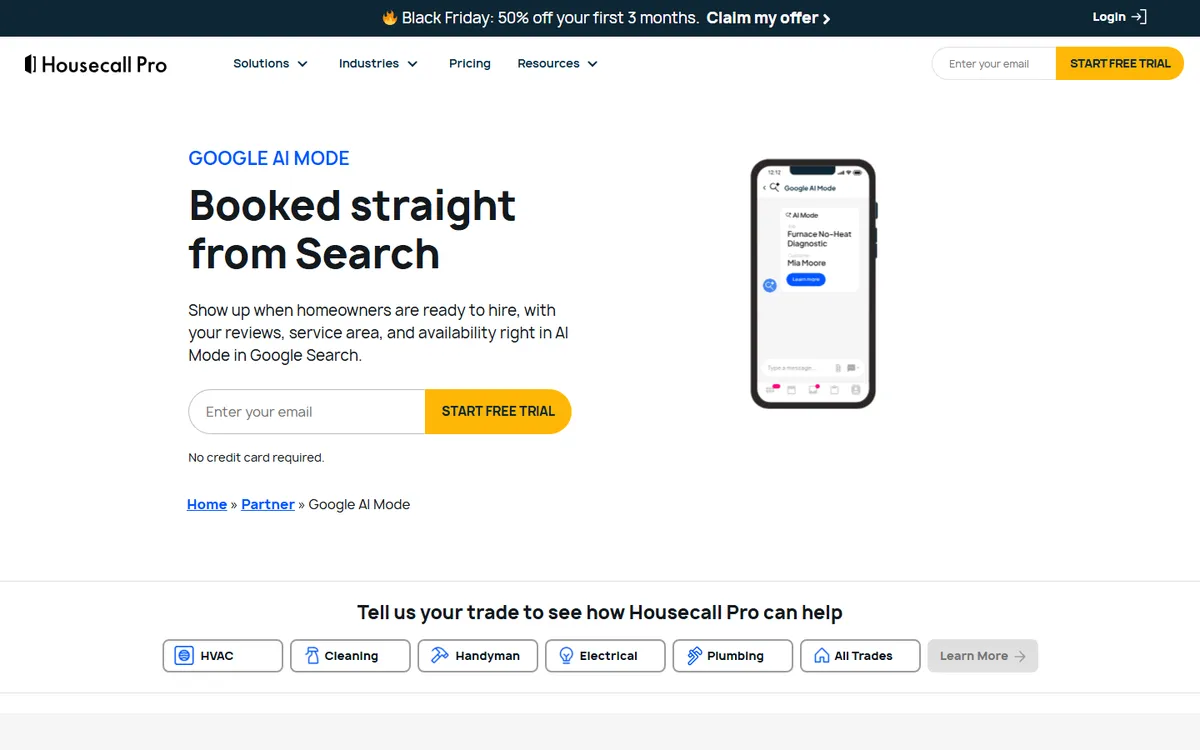
There's one inconsistency. The partner page says "Live from day one", but Housecall Pro's own announcement, posted the same day, says the integration is "coming soon to eligible US customers" (Housecall Pro announcement). Neither page explains what makes a customer eligible, or how to opt out. If you're on Housecall Pro, ask support whether you're live yet and how to turn it off if you're fully booked.
Housecall Pro co-founder Roland Ligtenberg told Homepros that a contractor who is booked out is "probably not going to show" (Homepros). That makes accurate availability in your calendar matter more than it used to.
Angi, Thumbtack and ServiceTitan
- Angi says it's "among the first" home services marketplaces in AI Mode. Picking an Angi pro sends the homeowner to that pro's Angi profile to request a quote (Angi). Angi's announcement doesn't mention fees. Pros normally pay Angi for leads, and Search Engine Journal notes it isn't clear whether that applies to AI Mode requests (SEJ). Ask Angi before assuming these are free.
- Thumbtack was named by Google, but we found no Thumbtack announcement, eligibility rules or fees as of November 20.
- ServiceTitan is listed as "coming soon". Google hasn't given a date (Homepros).
Do you need a partner to show up at all?
No. Homepros reports that contractors don't need to be customers of the booking partners to appear in AI Mode answers in general (Homepros). What the partners add is the book or quote button. Without one, homeowners can still call you or visit your website from the listing.
Google hasn't explained how it picks which businesses to show. Its spokesperson pointed Homepros to the standard tips for improving your local ranking on Google, which cover relevance, distance and prominence. Being on a partner platform is not a shortcut; Search Engine Journal notes a business "cannot rely solely on qualifying" for a partner to appear.
What to do this week
- Check your Google Business Profile. Categories, service area, hours, photos and reviews all feed local results. If you're on Jobber, the address must match what's in Jobber.
- Jobber users: confirm you're on a paid plan, switch on "Help clients find my business", connect your profile, and decide whether to require approval for bookings.
- Housecall Pro users: ask support whether you're live and how to pause it. Keep your calendar's availability accurate.
- Angi users: ask your rep whether AI Mode quote requests are charged like other leads.
- Have someone ready to answer. AI Mode requests arrive any time. If you can't respond quickly, an AI receptionist or auto-reply can hold the lead.
- Keep reviews genuine. AI Mode shows review summaries, and the FTC is actively enforcing its fake review rule in home services.
Choosing between the two partners? See our Jobber vs Housecall Pro comparison and Housecall Pro vs ServiceTitan.
FAQ
Does Google charge contractors for AI Mode bookings?
Google hasn't announced a fee for these links. Jobber and Housecall Pro both say there's no lead fee for AI Mode requests. Angi and Thumbtack haven't published terms. Google's separate Local Services Ads product does charge per lead.
Is Google AI Mode booking available outside the US?
Not for home services, based on what's been announced. Jobber, Housecall Pro and Angi all describe it as a US feature.
Can I use it on a Jobber free trial?
No. Jobber says trial accounts can't appear in Google AI Mode. You need an active, paid subscription.
Do I need a Google Business Profile?
For Jobber, yes: it must be connected to Jobber at the same address. Housecall Pro says you don't need one to appear through its integration, though a complete profile still helps you show up in local results.
Will AI Mode bookings go straight onto my schedule?
With Jobber, only if approval is off. Turn on "Require assessment booking approval" to accept or decline each one. Housecall Pro sends requests to your Job Inbox with an automatic reply; it hasn't described an approval step.
Is ServiceTitan in AI Mode yet?
Not as of November 20, 2026. Google lists it as coming soon, without a date.
Sources
Pages we used for this article, checked on or before the update date above.
- Search Engine Journal · searchenginejournal.com
- Homepros · homepros.news
- Jobber help · help.getjobber.com
- Jobber press release · prnewswire.com
- Housecall Pro partner page · housecallpro.com
- Housecall Pro announcement · housecallpro.com
- Angi press release · globenewswire.com
- Google Search Help · support.google.com
- improving your local ranking on Google · support.google.com
Changelog: Nov 20, 2026: first published.