

MCP Connectors for Accounting Firms: Letting ChatGPT and Claude Into Your Ledger Safely (October 2026)

Prices and facts checked October 26, 2026. We don't accept payment for rankings.

On this page
What happened: in October 2026, two accounting vendors gave AI assistants new access to firm and client data through MCP (Model Context Protocol), an open standard for connecting AI assistants to other software:
- October 13: Digits released Write MCP. AI agents such as Claude, ChatGPT and Cursor can now create, update and delete general ledger records, not just read them (CPA Practice Advisor).
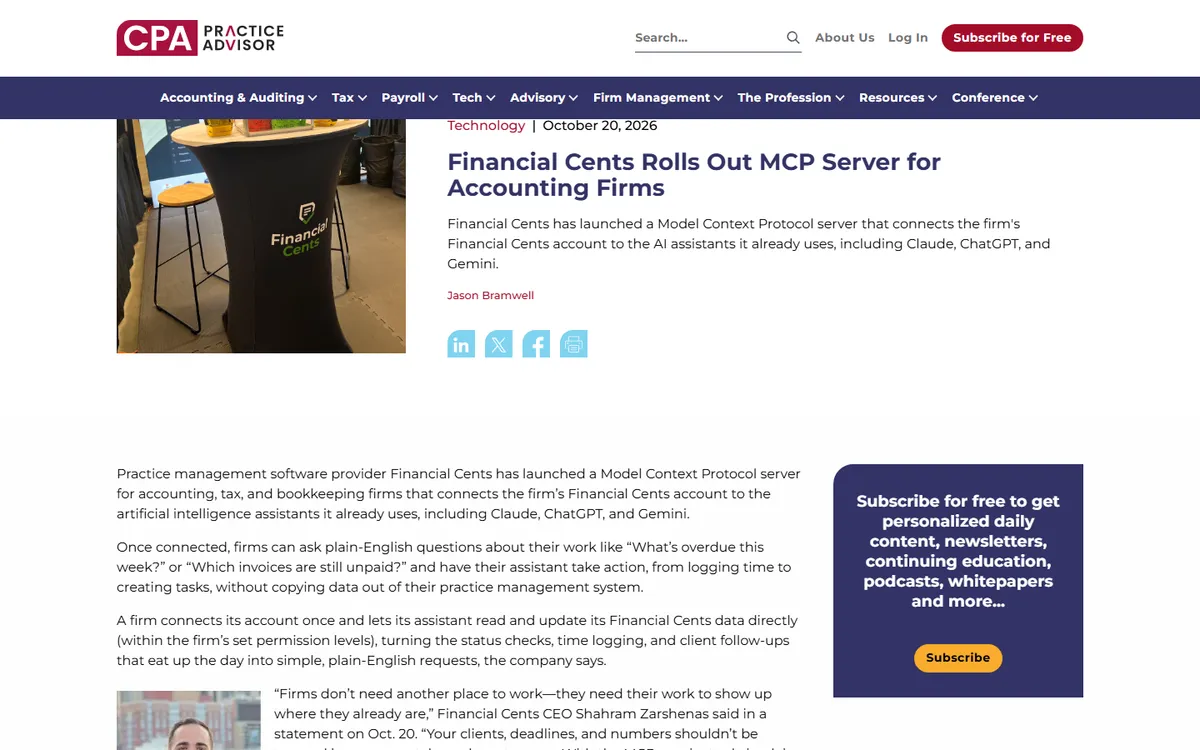
- October 20: Financial Cents launched an MCP server for its practice management software, so staff can ask Claude, ChatGPT or Gemini about deadlines, invoices and client tasks in plain English (CPA Practice Advisor).
These join Intuit, which said in February that QuickBooks, TurboTax and other products would connect to Claude through MCP (Intuit).
Why it matters: until now, using a chatbot on firm work meant copying data into it. With MCP, the assistant reaches into your systems directly, and with write access it can change them. That's a big productivity gain. It also counts as a new service provider with access to client data, so it belongs in your security plan and, for tax data, your consent forms.
Not legal advice. This summarizes vendor announcements and federal rules as of October 26, 2026. Check your obligations with your own counsel or compliance adviser.
What MCP is, in one paragraph
MCP is a standard way for an AI assistant (the "client," such as ChatGPT or Claude) to use another app's data and actions (the "server," such as Financial Cents or Digits). The vendor publishes an MCP server and you connect it to your assistant, usually by pasting a URL and signing in. After that, you can ask "which clients haven't uploaded their documents?" and the assistant looks it up in the connected app instead of guessing. One connector works with any assistant that supports MCP. That's why vendors are adopting it quickly.
The new connectors compared
| Financial Cents MCP | Digits Write MCP | Intuit (QuickBooks) + Claude | |
|---|---|---|---|
| Type of software | Practice management | General ledger / bookkeeping | Accounting, tax, payments |
| AI assistants | Claude, ChatGPT, Gemini | Claude, ChatGPT, Cursor, any MCP tool | Claude (Cowork, Claude.ai, Claude for Enterprise) |
| Can it change data? | Yes, within your permissions; asks for confirmation first; no deletions | Yes: create, update and delete transactions, bills, invoices, chart of accounts | Announced uses include creating invoices |
| Main safeguards | OAuth 2.1 sign-in, audit log, rate limits, one-click revoke, one firm per connection | Runs with the signed-in user's permissions; locked periods send changes to an admin review queue | Uses customers' own data with their permission |
| Cost | Included on the Scale plan; 14-day trial | Free for Digits customers | Not stated; rollout began spring 2026 |
Sources: CPA Practice Advisor on Financial Cents, CPA Practice Advisor on Digits, Intuit.
Read-only vs write access is the key difference. A connector that can only read lets the assistant answer questions and draft work. The worst case is a wrong answer that someone checks. A connector that can write can recategorize transactions, post journal entries or change client tasks. Digits CEO Jeff Seibert summed it up: "Giving an agent write access to the ledger is easy. Doing it safely is the hard part."
What firms are using them for
Financial Cents' examples are practice management tasks (CPA Practice Advisor):
- checking overdue work and unpaid invoices
- logging time and creating tasks
- reviewing month-end close status across clients
- setting up recurring client tasks
- finding clients who haven't uploaded documents, then assigning follow-ups
Digits' write access covers bookkeeping work: recategorizing transactions, fixing splits, writing journal entries, and managing bills, invoices and the chart of accounts (CPA Practice Advisor).
The rules that still apply
Connecting an AI assistant doesn't change your obligations. It adds a new place where client data goes.
1. The FTC Safeguards Rule. Tax and accounting firms are treated as financial institutions and need a written information security plan (WISP). That plan includes overseeing every service provider that can access customer data (FTC, IRS). With MCP, two vendors are involved: the software vendor (Digits, Financial Cents) and the AI provider (OpenAI, Anthropic, Google). Data your assistant reads through the connector is sent to the AI provider to process. Both belong in your WISP.
2. Section 7216 for tax return information. If the connected system holds tax return information, disclosing it to a third party for anything other than preparing the return generally needs the client's prior written consent (IRS §7216 FAQs). Our guide to AI and client data rules explains what a valid consent needs. If in doubt, keep return data out of connected assistants until you've confirmed your position with counsel.
3. Your engagement letters. If AI will touch a client's books, say so. The AICPA and others are building AI assurance because clients increasingly ask how their data is used.
A setup checklist for firms
The MCP project's own security guidance recommends a "least-privilege" approach: start with the smallest set of permissions and add more only when a task needs them (MCP security best practices). In practice:
- Start read-only. Use connectors to answer questions and draft work for a few weeks before turning on write access.
- Connect with a limited user. Both Financial Cents and Digits run with the signed-in person's permissions. Don't connect with an admin account. Create a role that can reach only the clients and actions you intend.
- Lock closed periods. In Digits, use Locked Periods so any AI change to a closed month goes to an admin review queue. Do the same in other ledgers with a closing date and password.
- Use business AI plans. Use team or enterprise versions of ChatGPT, Claude or Gemini where your data is excluded from model training by contract. Avoid personal accounts.
- Only install official connectors. Get the server URL from the vendor's own help pages. The MCP guidance warns that unknown, locally installed servers can run code with your computer's permissions.
- Review the audit log weekly. Financial Cents logs every action. Check what the assistant changed, and who approved it.
- Know how to revoke. Write down how to disconnect each connector (Financial Cents offers one-click revocation), and add it to your incident response plan.
- Watch for instructions hidden in documents. An assistant that reads client emails or uploaded files and can also write to your ledger could be misled by text planted in those files. That's why a person should approve any change before it posts.
Should your firm turn these on?
Yes, carefully, for read-only questions first. Asking "what's overdue this week?" in plain English, instead of building a report, is a real time-saver with little risk.
Write access needs more caution. It makes sense for firms that have locked periods, limited user roles and a review habit in place. Start with low-risk tasks, such as creating follow-up tasks, before letting an agent recategorize transactions. Keep a person approving anything that touches the ledger.
For the bigger picture, see our guides to QuickBooks AI agents and practice management software with AI.
FAQ
What is an MCP server in accounting software?
It's a connector that lets AI assistants such as ChatGPT, Claude or Gemini read, and sometimes change, data in your accounting or practice management software. Financial Cents and Digits both launched one, and Intuit has announced MCP connections to Claude for QuickBooks.
Is it safe to connect ChatGPT or Claude to client data?
It can be, with controls in place. Use business AI plans, connect with a limited user, start read-only, lock closed periods, and add both the software vendor and the AI provider to your WISP. Tax return information may also need client consent under §7216.
Does Digits Write MCP cost extra?
No. Per CPA Practice Advisor, Write MCP is free for Digits customers.
Which Financial Cents plan includes the MCP server?
It's available on the Scale plan, according to Financial Cents' October 20, 2026 announcement. New firms can start a 14-day free trial.
Sources
Pages we used for this article, checked on or before the update date above.
- CPA Practice Advisor · cpapracticeadvisor.com
- CPA Practice Advisor · cpapracticeadvisor.com
- Intuit · investors.intuit.com
- FTC · ftc.gov
- IRS · irs.gov
- IRS §7216 FAQs · irs.gov
- MCP security best practices · modelcontextprotocol.io
Changelog: Oct 26, 2026: first published.